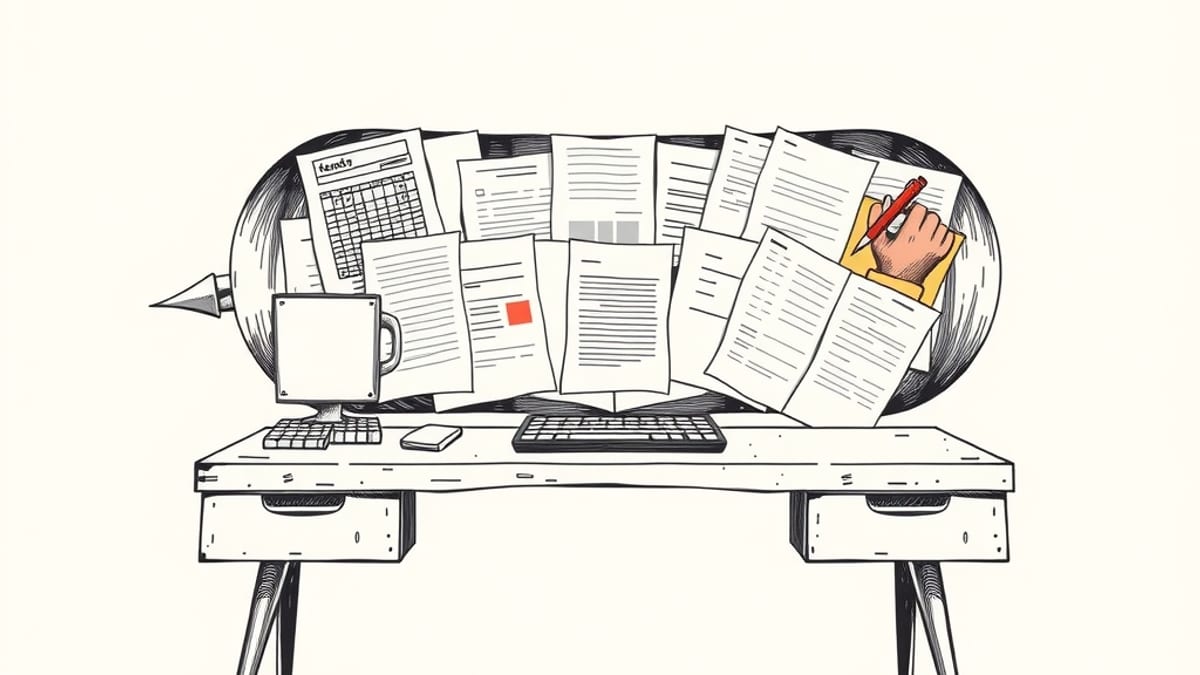
Google has integrated file editing capabilities directly into its Gemini chatbot, enabling users to generate, preview, and modify documents, spreadsheets, presentations, and PDFs without leaving the chat window. Announced on October 29, 2026, this feature expands Gemini's utility as a productivity tool, streamlining the workflow for users who previously had to export and edit files in separate applications.
The updated Gemini interface supports a range of file types, including Google Docs, Sheets, and Slides, as well as Microsoft Word and Excel documents, PDFs, CSV files, Markdown, plain text, and LaTeX. Users can expand files to a full-screen preview, making manual edits or using prompts to ask Gemini to revise content or visuals. For instance, a user can upload handwritten notes and ask Gemini to convert them into a PDF study guide, which can then be edited directly within the chat.
While PDF previews and editing are available on both web and mobile versions of Gemini, other file formats are currently limited to the web interface. This limitation means that editing Google Docs, Sheets, slide decks, Markdown, TXT files, and code is presently only possible through a desktop browser. The company has indicated that native PowerPoint export is not yet supported, with slide decks being routed through Google Slides.
This enhancement builds upon Gemini's earlier file generation capabilities, which allowed users to create documents from prompts but still required external editors for revisions. The new in-chat editor preserves the surrounding conversation context, allowing for a more integrated editing experience. The highlight-to-edit functionality enables users to select specific text passages and request rewrites, reformatting, or stylistic changes from Gemini.
The integration aims to reduce the friction of the "ask, copy, edit, paste back" cycle, making Gemini a more comprehensive tool for content creation and revision. This move aligns with Google's broader strategy to embed AI capabilities across its product suite, making them more accessible and functional for everyday tasks. Recent updates have also included features like "immersive explorations" for educational content and further integration with Google Workspace applications.